QB InSite
Your plant, process and people — live in 3D
QB InSite puts your site, its processes and the people who run them into one interactive 3D model — on a phone, tablet, laptop or VR headset, from the shop floor to the boardroom.
Go to insite.qb.systems ↗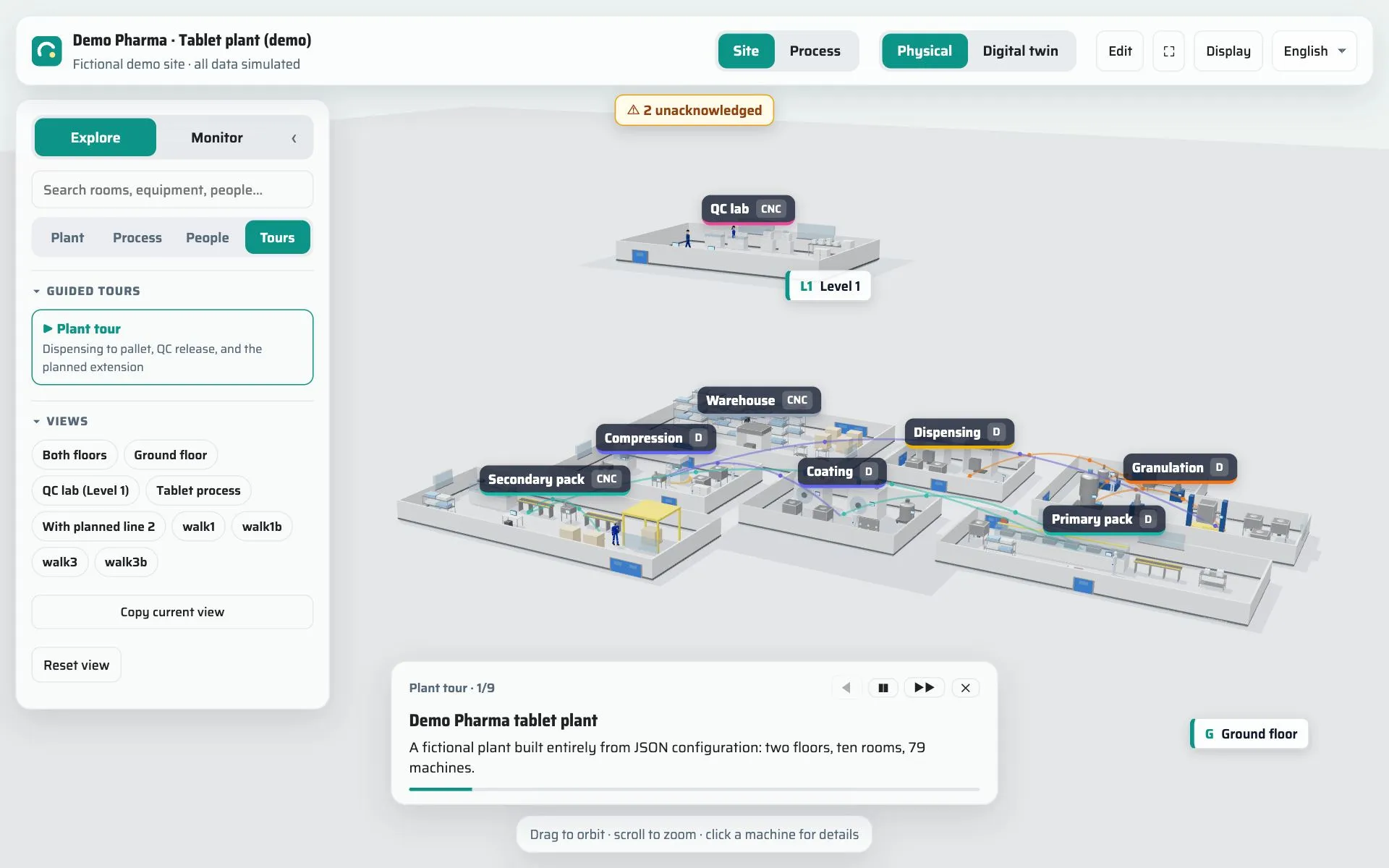
Plant · Process · People
The three things that make a site, in one model
-
Plant
Buildings, floors, rooms and every machine, with its live status — the whole site in one model you can walk through.
-
Process
Steps, material flow and hand-overs. One click folds the floor plan into the process line and back.
-
People
Who works where, in which role and team — so a layout is never just walls and equipment.
Live demos
Three live demos you can open now
Explore walks you through a site and its process, Monitor shows one running live, and Transform plays one from today to tomorrow. Each opens in your browser — no account, nothing to install. All demo sites and data are fictional.
-
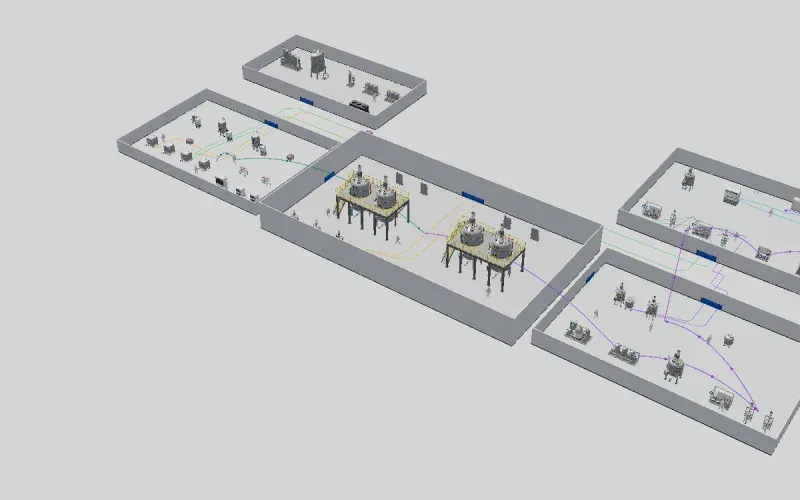 Monitor
Antibody plant
A 14-day antibody batch in 30 minutes — live values, alarms and dashboards.
-
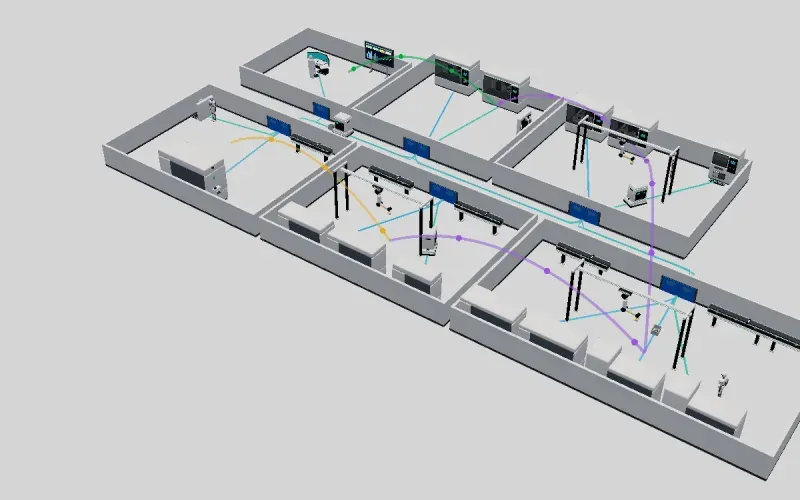 Transform
QC laboratory
A QC lab from manual testing to robots — play the change and compare the figures.
-
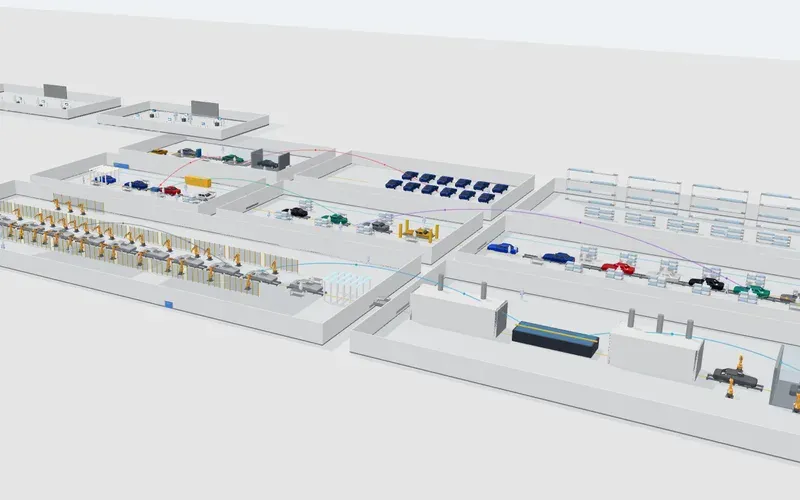 Explore
Car plant
Cars move through the line; follow the process from press shop to final assembly.
More demos — a refinery, data centres, a battery-cell plant, a cell-therapy site, a tablet plant and a fulfilment centre — are on the QB InSite start page.
Industries
Made for life sciences, ready for any process
Life-science sites need cleanroom grades, batch flow and audit-ready walk-throughs — QB InSite models all three. The same model works for any site with equipment, process steps and people.
Life sciences
- Biologics and antibody plants
- Cell and gene therapy sites
- Oral solid dose and generics
- QC and R&D laboratories
Other industries
- Automotive assembly
- Battery-cell manufacturing
- Oil and gas refining
- Data centres
- Warehousing and fulfilment
Why QB InSite
What it solves
-
Understand the process
Follow the product from raw material to release, step by step, where it really happens.
-
See the status at a glance
Machines show their state, alarms and key figures in place — no hunting through screens.
-
Monitor without walking the floor
Live values and trends from the systems you already have, for everyone who needs them.
-
Plan changes before you make them
Put today next to the planned layout and see what changes before a wall is moved.
Features
Built to explain, share and plan
-
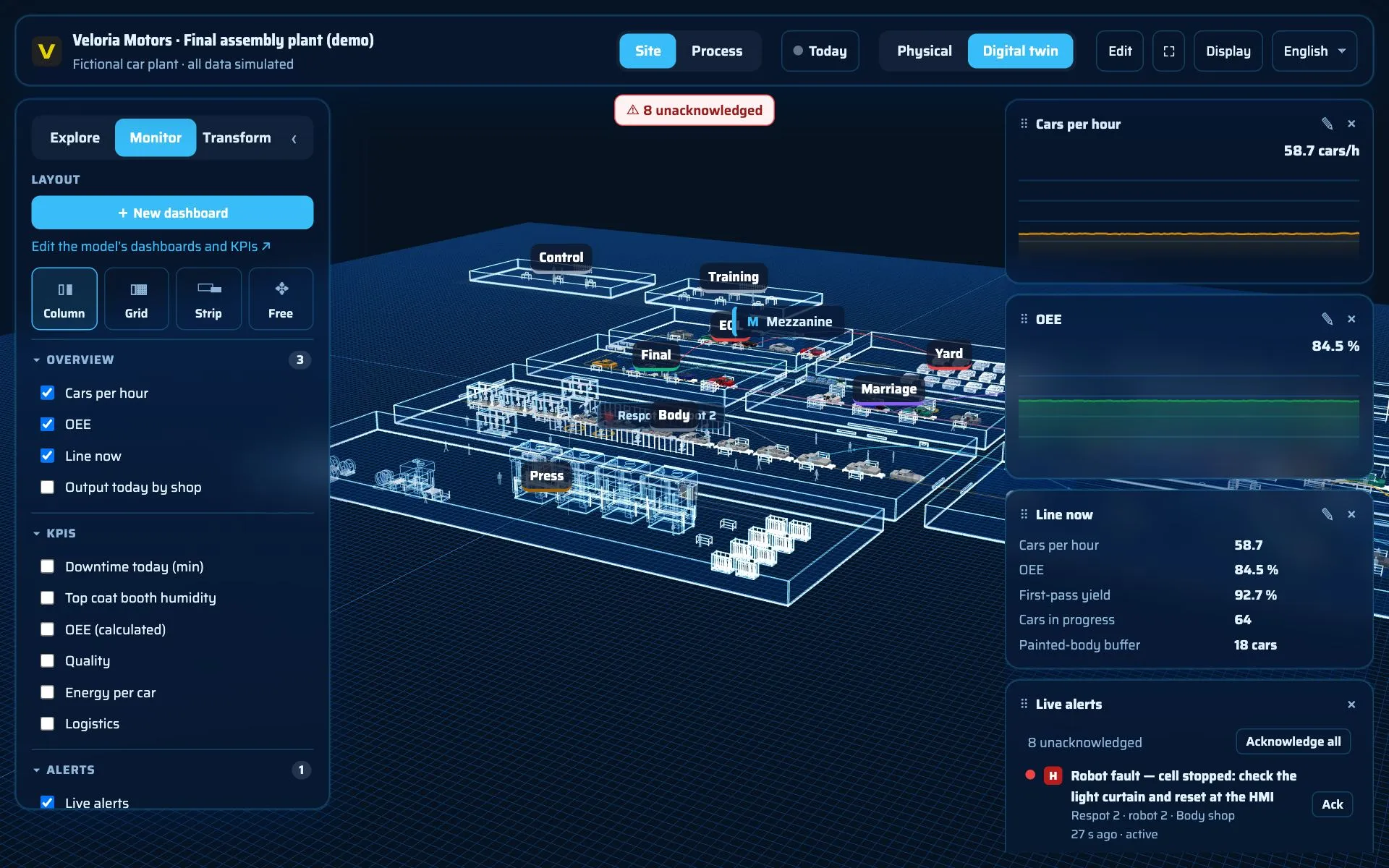
Live plant data
OPC UA, MQTT, SQL and REST, read-only. Status colours, alarms and history trends on the machines themselves.
-
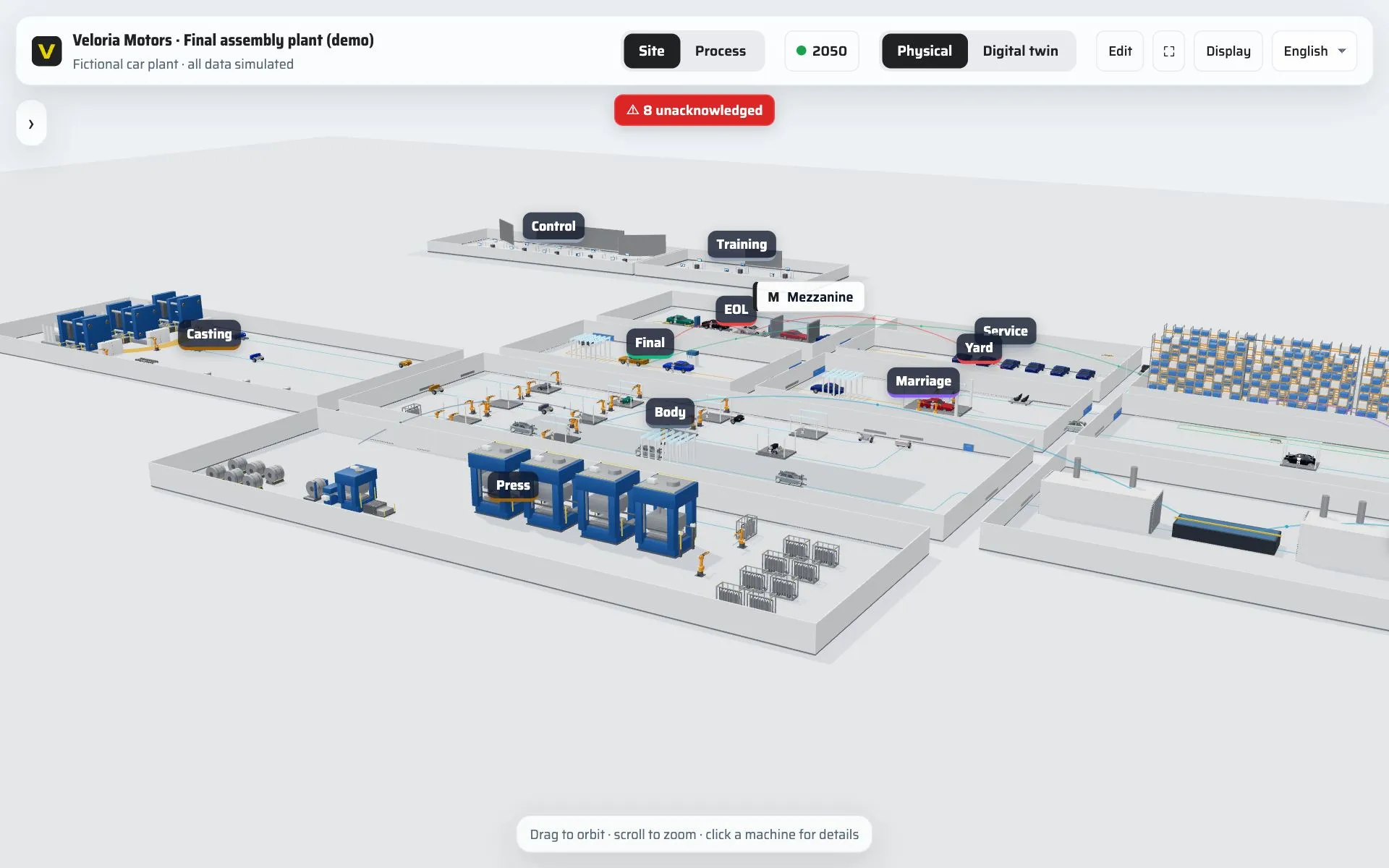
As-is and to-be states
Animate between today and the planned states: new lines, moved equipment, extensions — side by side.
-
Interactive tours
Guided stories through the site — rooms, machines, people and figures — that play themselves or step by step.
-
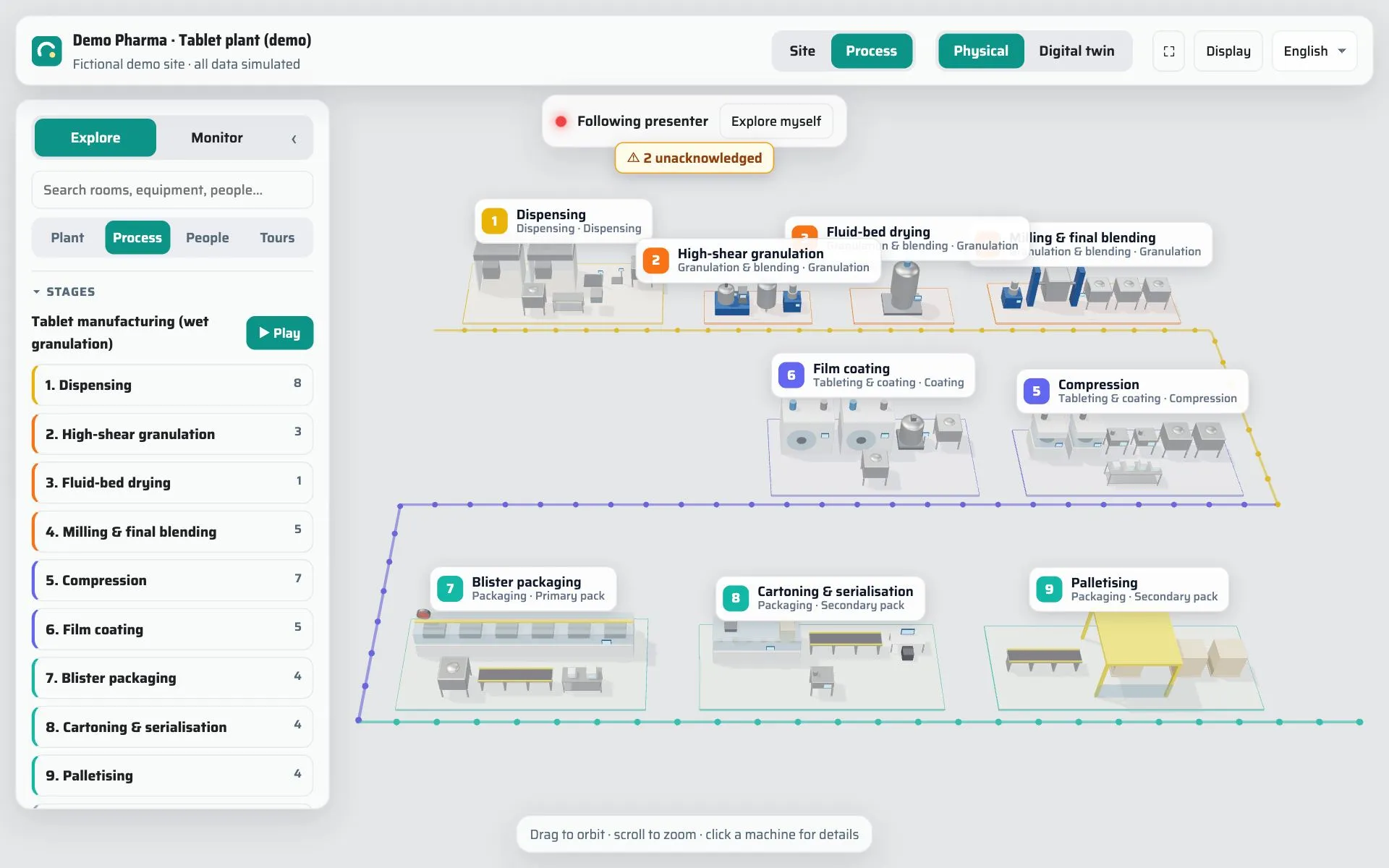
Presentation mode
One person presents, everyone follows live on their own device; guests join with a link, no account needed.
-
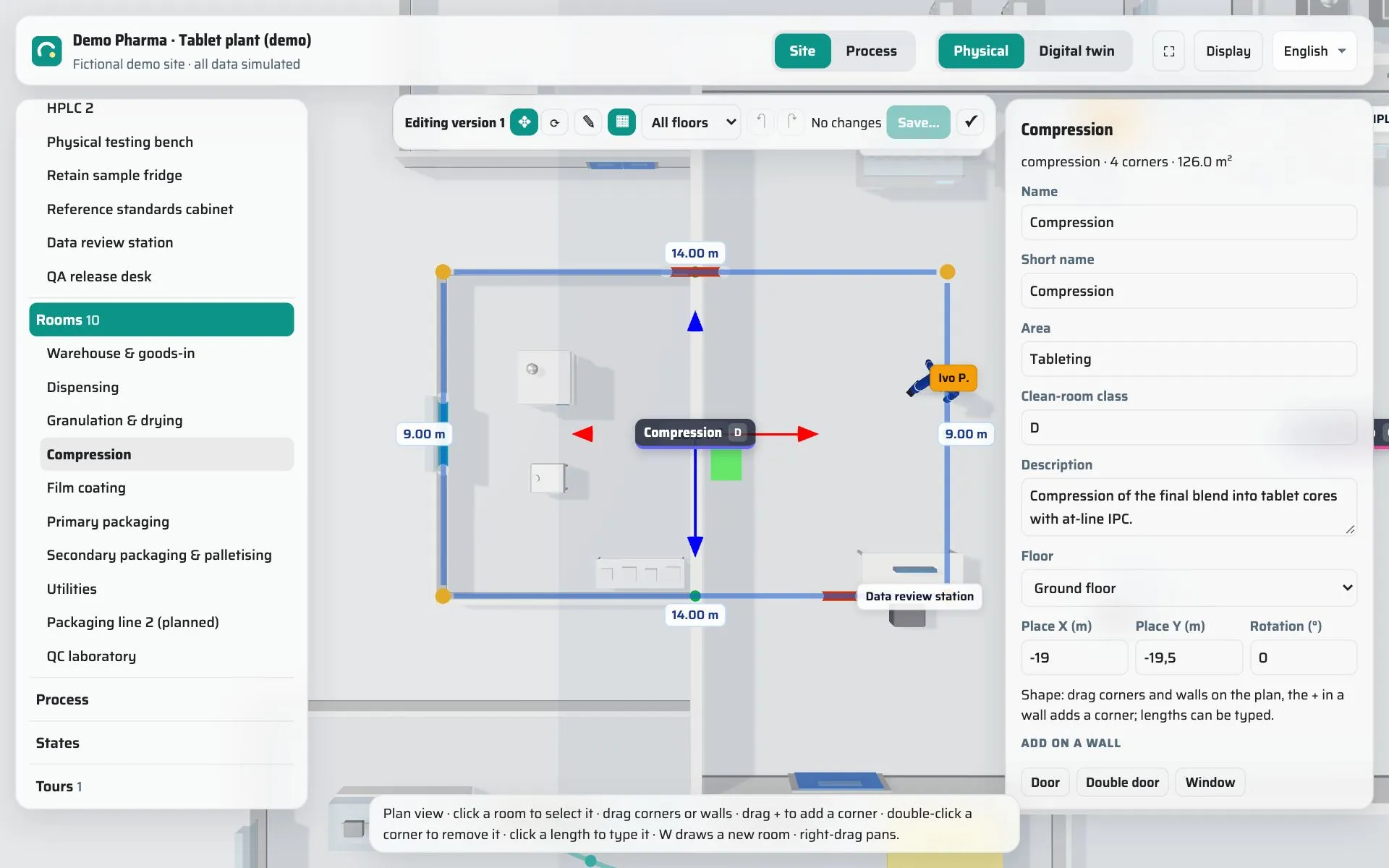
Edit in the browser
Move equipment, reshape rooms, adjust the process and tours — every change is a new version you can go back to.
-
Works with QB Control
QB Control publishes process values over its built-in OPC-UA server, and QB InSite reads OPC UA — so a QB-controlled process can show its live values, alarms and trends in the 3D model.
About QB Control
Any device
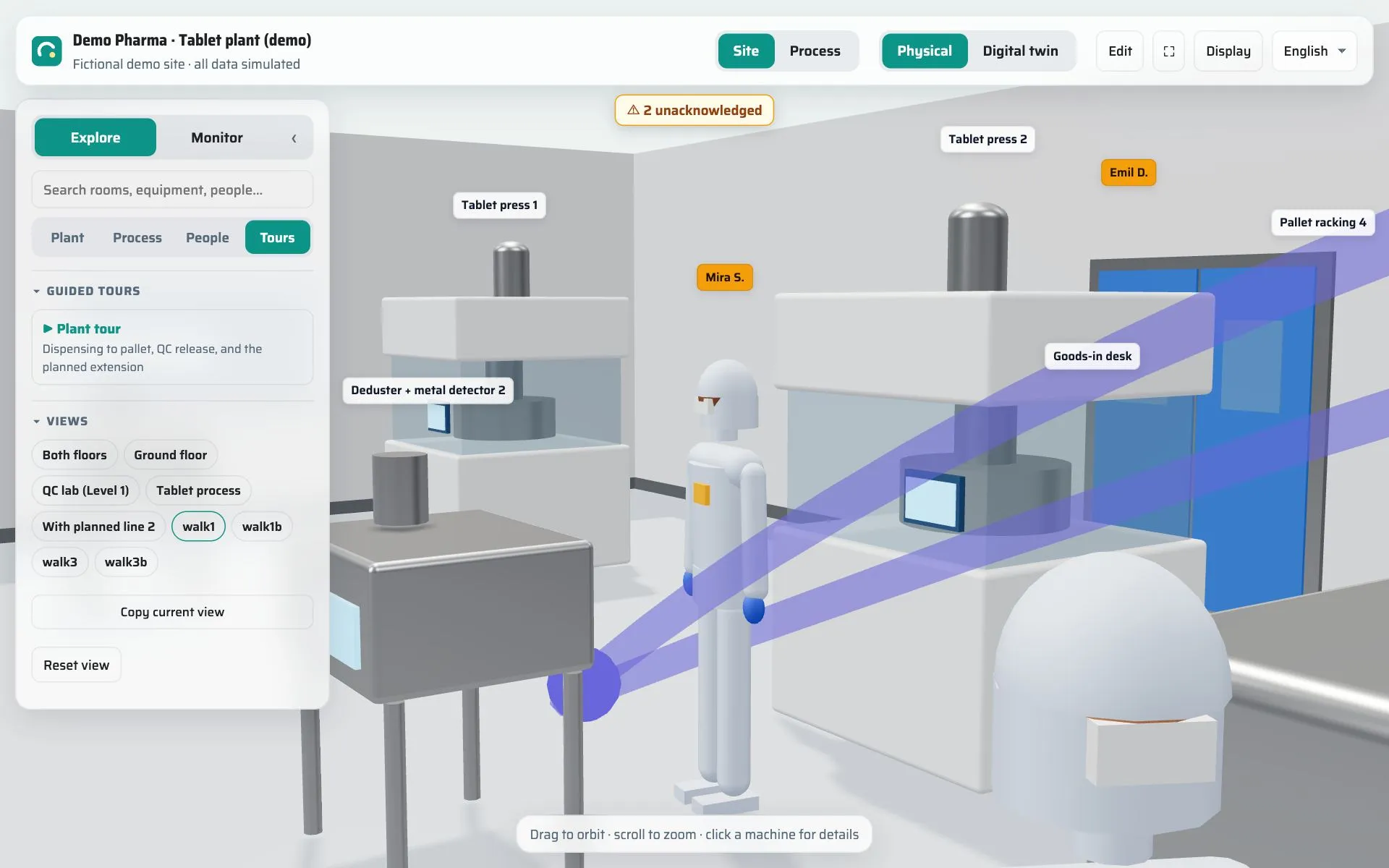
Phone, tablet, laptop or VR headset
Nothing to install: QB InSite runs in the browser. Put on a headset to stand inside the plant, or follow a presentation from your phone on the shop floor.
Use cases
Where teams use QB InSite
-
Training and onboarding
New staff learn the site, the process and who does what before their first shift.
-
Monitoring
Operations, maintenance and management look at the same live picture of the plant.
-
Process optimisation
Make bottlenecks, long transfer routes and idle equipment visible — then test the fix in a to-be state.
-
Remote site tours
Show the plant to customers, partners or investors remotely, without gowning up or travelling.
-
Investment and change planning
Present an extension or a new line to decision makers as a transition, not a stack of drawings.
-
Audits and inspections
Walk auditors through rooms, flows and equipment, with a time-limited link for the day.
How it works
From drawings to a shared 3D model in three steps
- 1
Model
We turn your drawings and equipment lists into a 3D model of the site — or you build it with the QB InSite tools.
- 2
Connect
Point QB InSite at the systems that already know the values. Credentials stay encrypted on the server.
- 3
Share
Invite your team, start a tour for management, or send a link to an auditor for the day.
Hosted by QB Systems in the EU cloud or installed on your own servers. Microsoft and Google single sign-on, two-factor sign-in and a complete audit trail are built in. See the product tour and pricing.
QB InSite app
QB InSite runs at insite.qb.systems
Sign in to your models, open the public demos, take the product tour or see pricing — all in the app.
Got questions? We have answers
Do I need to install anything?
No. QB InSite runs in the browser on a phone, tablet or laptop, and in a VR headset. The public demos open without an account.
Which systems can it read live data from?
OPC UA, MQTT, SQL databases and REST APIs, read-only. That includes the OPC-UA server built into QB Control, so a QB-controlled process can show its live values in the 3D model.
Is it only for bioprocess and pharma sites?
No. It models any site with equipment, process steps and people. The public demos include an antibody plant and a QC laboratory as well as a car plant, a refinery, a battery-cell plant, data centres and a fulfilment centre.
Where is the data hosted?
Either in the EU cloud, hosted by QB Systems, or installed on your own servers. Sign-in supports Microsoft and Google single sign-on and two-factor authentication, and every change is recorded in an audit trail.
See your own site in QB InSite
Talk to us about a pilot for one line or one building. Or reach us directly at [email protected].
Contact us
Thank you! Your message has been sent — we’ll be in touch shortly.
Sorry, something went wrong sending your message. Please email us directly at [email protected].